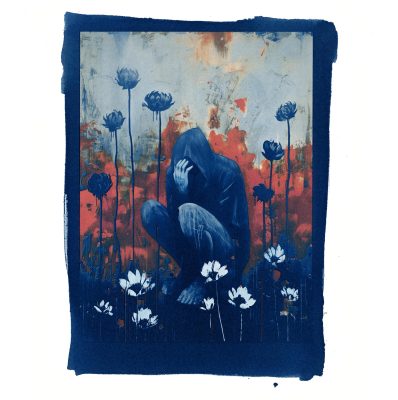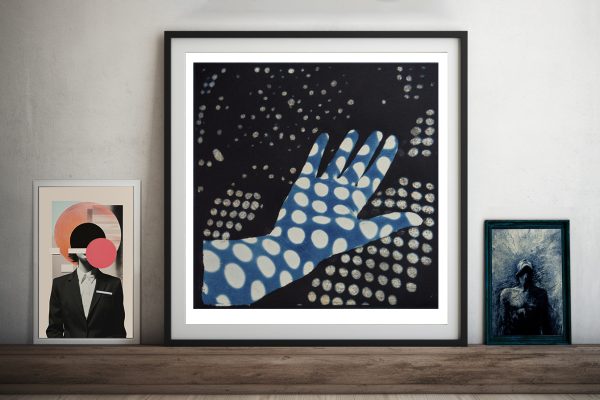
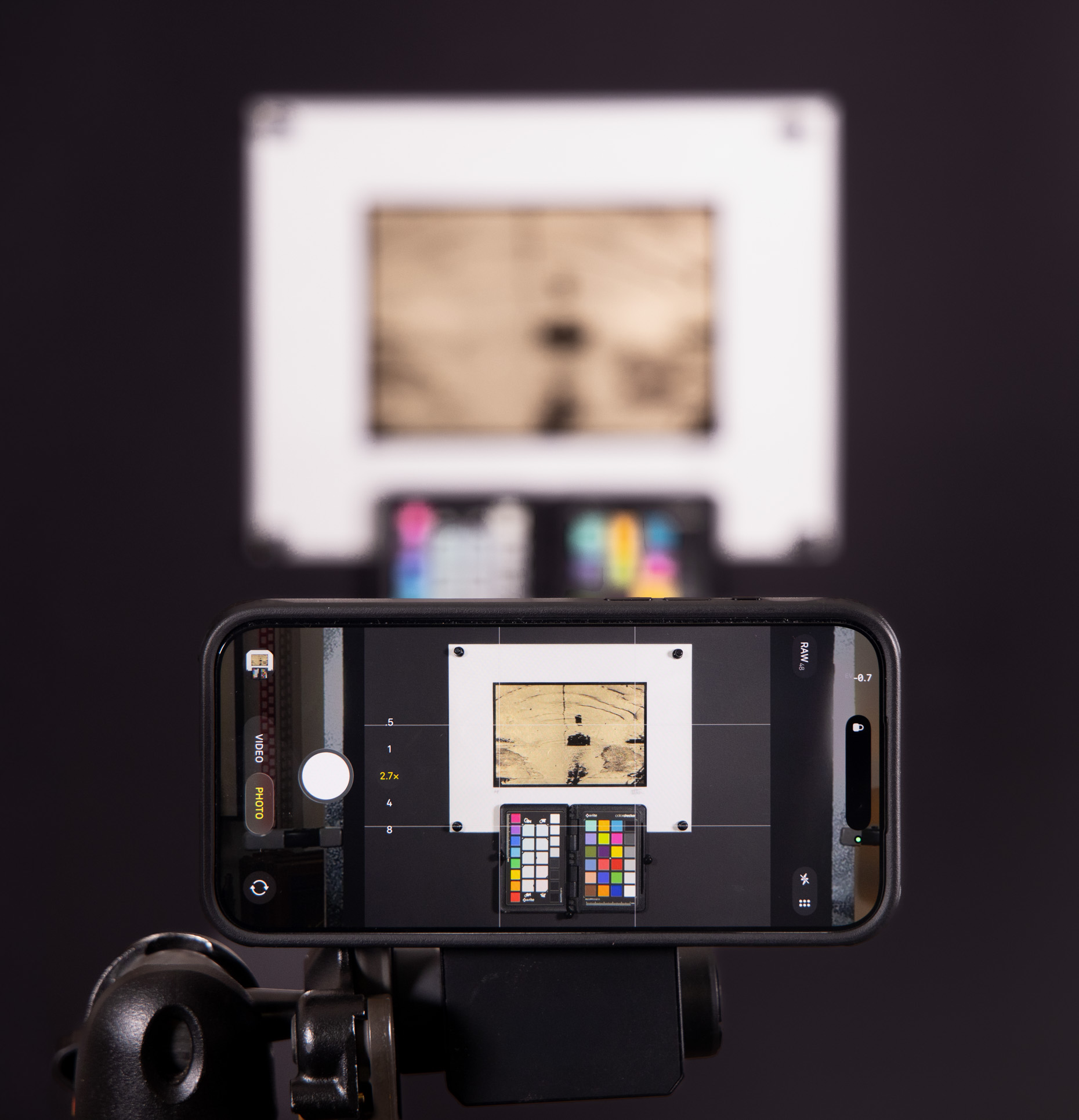
Accurate documentation of your creative work is an essential but often overlooked part of an artist’s practice. Whether your work lives on paper, canvas, fabric, metal, or in three dimensions, the quality of its photographic reproduction shapes how it is seen, shared, archived, and understood.
This new online program led by Cotton Miller focuses on using the iPhone as a precise, flexible tool for art reproduction photography. Rather than treating your mobile device as a compromise, we approach using an iPhone as a capable camera when paired with careful positioning, controlled lighting, and intentional workflow decisions. Over two group sessions, you learn how to photograph artwork with correct geometry, balanced illumination, and faithful color, producing files suitable for websites, portfolios, grants, publications, video, and print.
Cotton’s course is designed for visual artists needing reliable images of their work, students preparing portfolios or applications, makers and designers selling work online, artists without access to a DSLR or studio lighting, and anyone wanting a simple, professional capture workflow using an iPhone.
Session 1 — Capture Techniques
We begin with the foundations of making a clean reproduction image using only your iPhone:
- Understanding iPhone camera settings + Pro controls
- Locking exposure, focus, and white balance
- Best practices for positioning your artwork
- Correcting geometry and avoiding distortion
- Glare control and lighting strategies using natural light or inexpensive LEDs
- Photographing textured artwork, reflective surfaces, and dimensional pieces
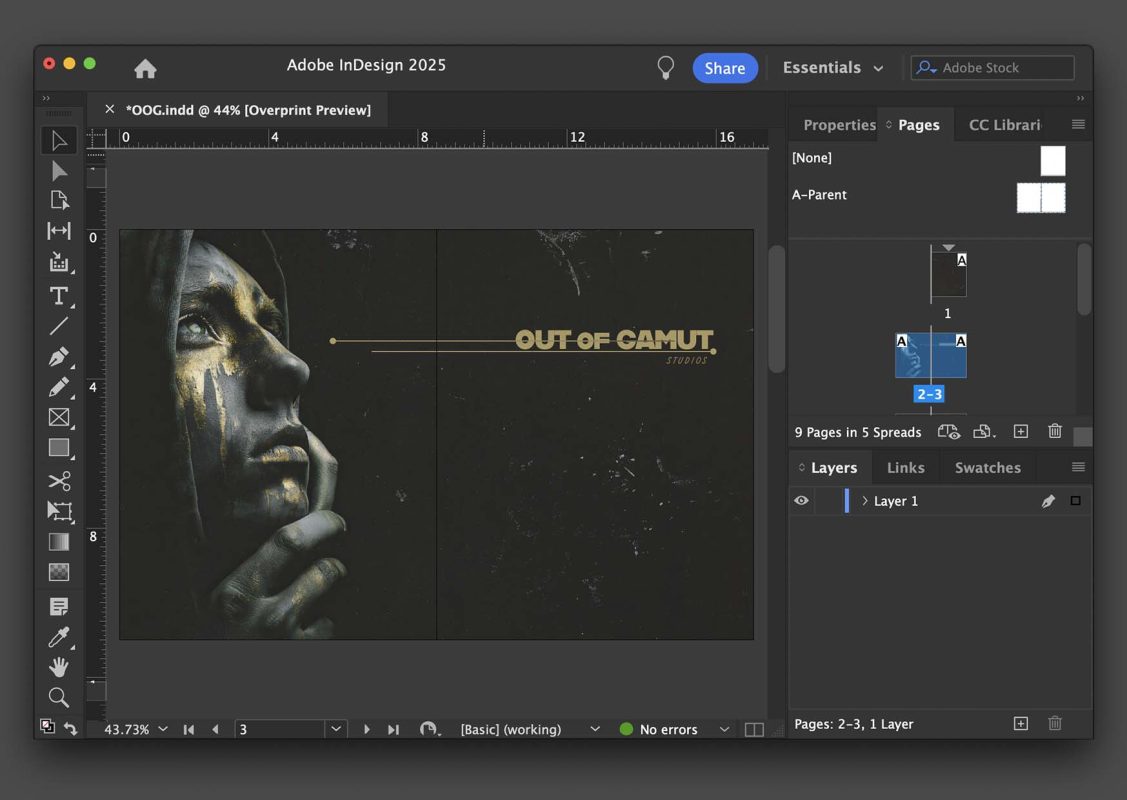
Session 2 — Editing + Preparing Files for Use
In this session, we move from capture to polished, professional output:
- A sample file-naming and archiving structure for artists
- Straightening, cropping, and perspective correction
- Color correction and matching to the original piece
- Cleaning edges, dust, shadows, and backgrounds
- Preparing files for:
- Website portfolios and online galleries
- Social Media platforms
- Online Shops + print-on-demand
- Video slideshows or reels
- Fine-art printing (resolution, color space, upscaling, sharpening)
- Export settings for web and print
- Creating your own reproducible workflow checklist
By the end of this program, you are able to photograph your artwork with consistent, professional results, avoid the most common reproduction mistakes, produce color-accurate files for print and online platforms, build a personal workflow you can use for an entire body of work, and feel confident documenting your art without specialized gear.